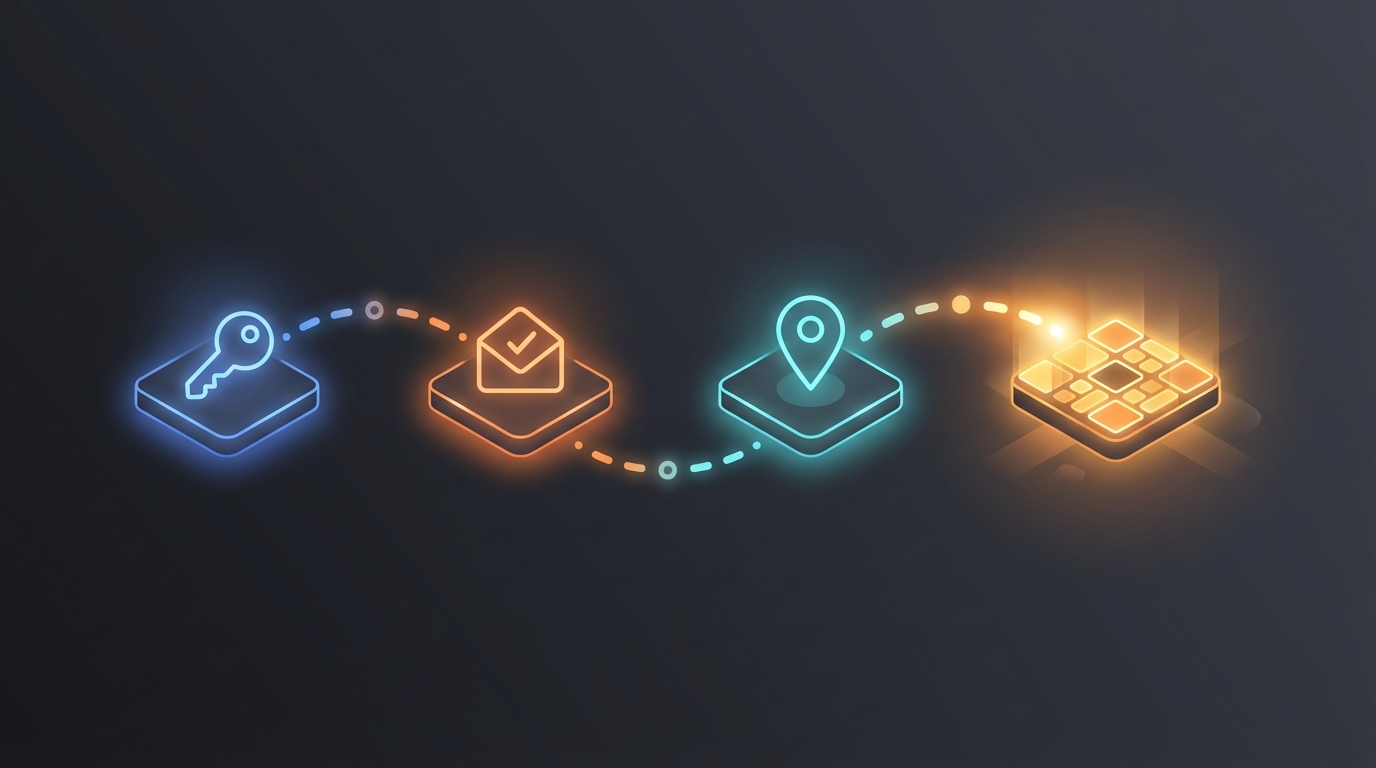
Creating an account on America's Top Mugshot is free and takes about two minutes. Once you're signed up, you can rate mugshots, add tags, save favorites, and see mugshots from your area first. This guide walks you through every step — from choosing how to sign up to setting up your location.
Three Ways to Sign Up
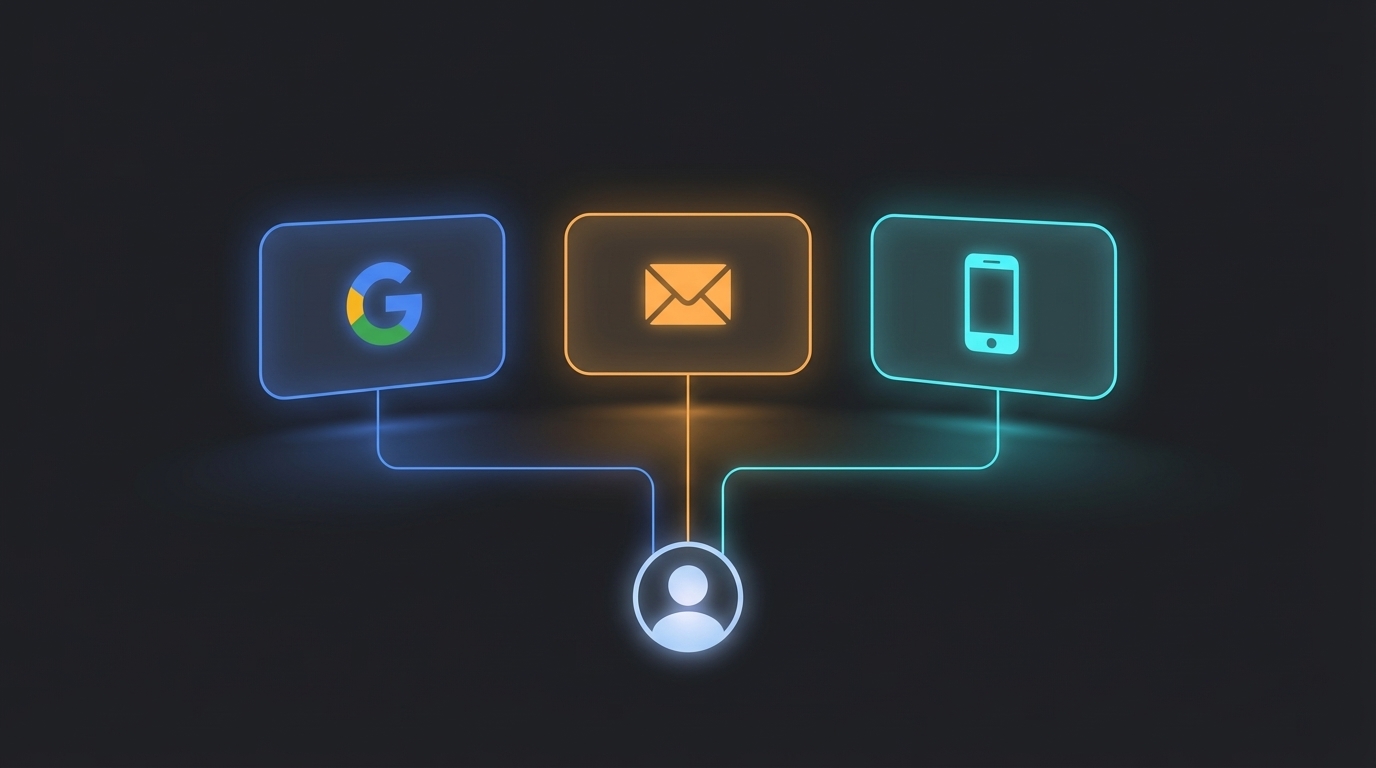
When you visit americastopmugshot.com and click Sign Up, you'll see three options:
- Email and Password — The classic approach. You enter your email, create a password, and verify your address.
- Google — The fastest option. One click, and your Google account handles the rest.
- Phone Number — Sign up with your mobile number and a text message code.
All three methods create the same type of account with the same features. Pick whichever is most convenient for you. If you want a detailed comparison of each method, check out our guide on signing up with Google, email, or phone.
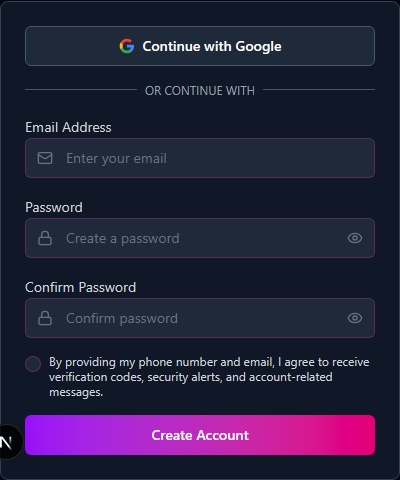
Option 1: Sign Up with Email and Password
This is the traditional method. Here's how it works:
- Enter your email address — Type in the email you want to use for your account. Make sure it's one you can access, because you'll need to verify it.
- Create a password — Your password needs to be at least 8 characters long and include all of the following:
- An uppercase letter (A-Z)
- A lowercase letter (a-z)
- A number (0-9)
- A special character (like !, @, #, $, %, or &)
- Check your inbox — We'll send a verification email to the address you entered. Open it and click the verification link. This link is valid for 24 hours — if it expires, you can request a new one from the login page.
- You're verified — Once you click the link, your account is active and ready to use.
If the verification email doesn't arrive within a few minutes, check your spam or junk folder. Some email providers filter automated messages there by default.
Option 2: Sign Up with Google
This is the fastest way to get started. Here's the entire process:
- Click "Continue with Google" — You'll see this button on the signup page.
- Choose your Google account — If you're already signed into Google in your browser, select the account you want to use. If not, sign into Google first.
- Done — That's it. Your name and email are pulled from your Google account automatically. No password to create, no email to verify.
Google sign-up is a single click if you're already logged into your browser. Your account is created and verified instantly.
Option 3: Sign Up with Your Phone Number
Prefer to use your phone number instead of email? Here's how:
- Enter your phone number — Type in your US mobile number on the signup page.
- Check your texts — We'll send a 6-digit code to your phone via text message.
- Enter the code — Type the 6-digit code into the verification field on the signup page.
- Create a password — After your number is verified, you'll be asked to create a password. The same password rules apply: 8 or more characters with a mix of uppercase, lowercase, numbers, and special characters.
Make sure you have your phone nearby when signing up this way — the code arrives within seconds, but it does expire after a short time.
Setting Up Your Location
After you create your account (no matter which method you used), you'll land on the location setup page. This step personalizes your experience by showing mugshots from your area first.
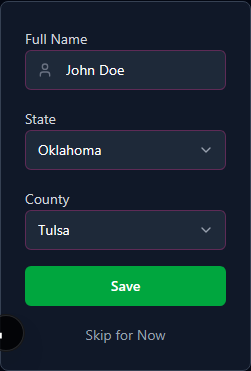
Here's what you'll fill in:
- Your full name — Enter your first and last name. This is used for your profile.
- Your state — Select your state from the dropdown menu.
- Your county — After selecting a state, choose your county from the second dropdown. The county list updates based on the state you picked.
Once you save your location, the platform will prioritize mugshots from your state and county when you browse. You'll still be able to search and view mugshots from anywhere — your location just sets the default view.
Don't Want to Set Up Location Right Now?
No problem. Click the "Skip for Now" button at the bottom of the location setup page. You can always add your location later from your profile settings. Skipping this step won't limit your access to any features — you just won't get the localized browsing experience until you add it.
Logging In After You've Signed Up
Once your account exists, logging in works the same way you signed up:
- Email users — Enter your email and password on the login page.
- Google users — Click "Continue with Google" and select your account.
- Phone users — Enter your phone number, receive a new 6-digit code, and type it in.
If you enter your password incorrectly too many times, you'll be temporarily locked out for 15 minutes. This is a security measure to protect your account — just wait a few minutes and try again.
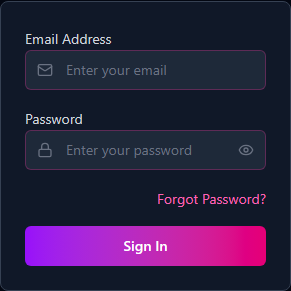
Forgot Your Password?
It happens to everyone. Here's how to get back in:
- Click "Forgot Password?" — You'll find this link on the login page, below the password field.
- Enter your email — Type in the email address you used to sign up.
- Check your inbox — We'll send you a password reset link.
- Set a new password — Click the link in the email and choose a new password. The same password requirements apply (8+ characters, uppercase, lowercase, number, special character).
If you signed up with Google, you don't have a password on our platform — just click "Continue with Google" on the login page instead.
What If I Already Have an Account?
If you try to sign up with an email address that's already registered, you'll see a message letting you know an account already exists. Just head to the login page instead.
Here's something helpful: if you originally signed up with email and password, and later try to sign in with Google using that same email address, the two accounts merge automatically. You won't lose anything — your ratings, tags, and profile stay intact. Going forward, you can use either method to log in.
What You Can Do Once You're Signed In
With your account set up, here's what's now available to you:
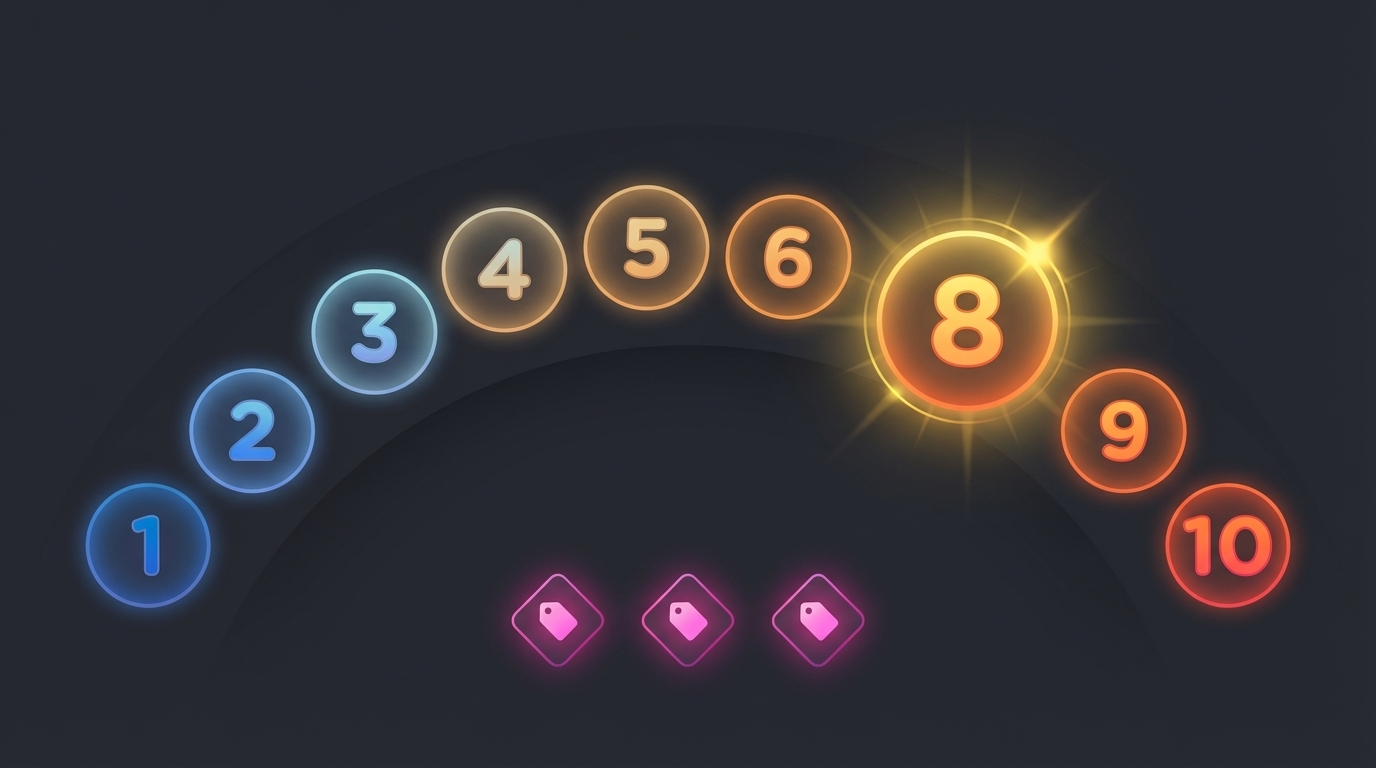
- Rate mugshots — Give any mugshot a score from 1 to 10. Learn how the system works in our guide to how ratings work.
- Add tags — Label mugshots as Funny, Wild, or Spooky alongside your rating.
- Browse by location — If you set up your location, your state and county mugshots appear first.
- Search and filter — Find specific mugshots by name, state, county, date, or tags.
- Sort by ratings — See the highest-rated or most-voted mugshots at the top.
Everything on the platform is free. There are no premium tiers, no paid features, and no subscriptions. Your account gives you full access to every feature.
A Few Things to Keep in Mind
- Signup limit — To prevent abuse, there's a limit of 3 account signups per hour from the same location. If you see an error, wait a bit and try again.
- Login attempts — You get 5 login attempts every 15 minutes. After that, you'll need to wait before trying again.
- Verification emails — The verification link in your email is valid for 24 hours. After that, you'll need to request a new one.
- One account per email — Each email address can only be associated with one account.
If you run into any issues during signup or login, check out our detailed comparison of signup methods for troubleshooting tips specific to each option.