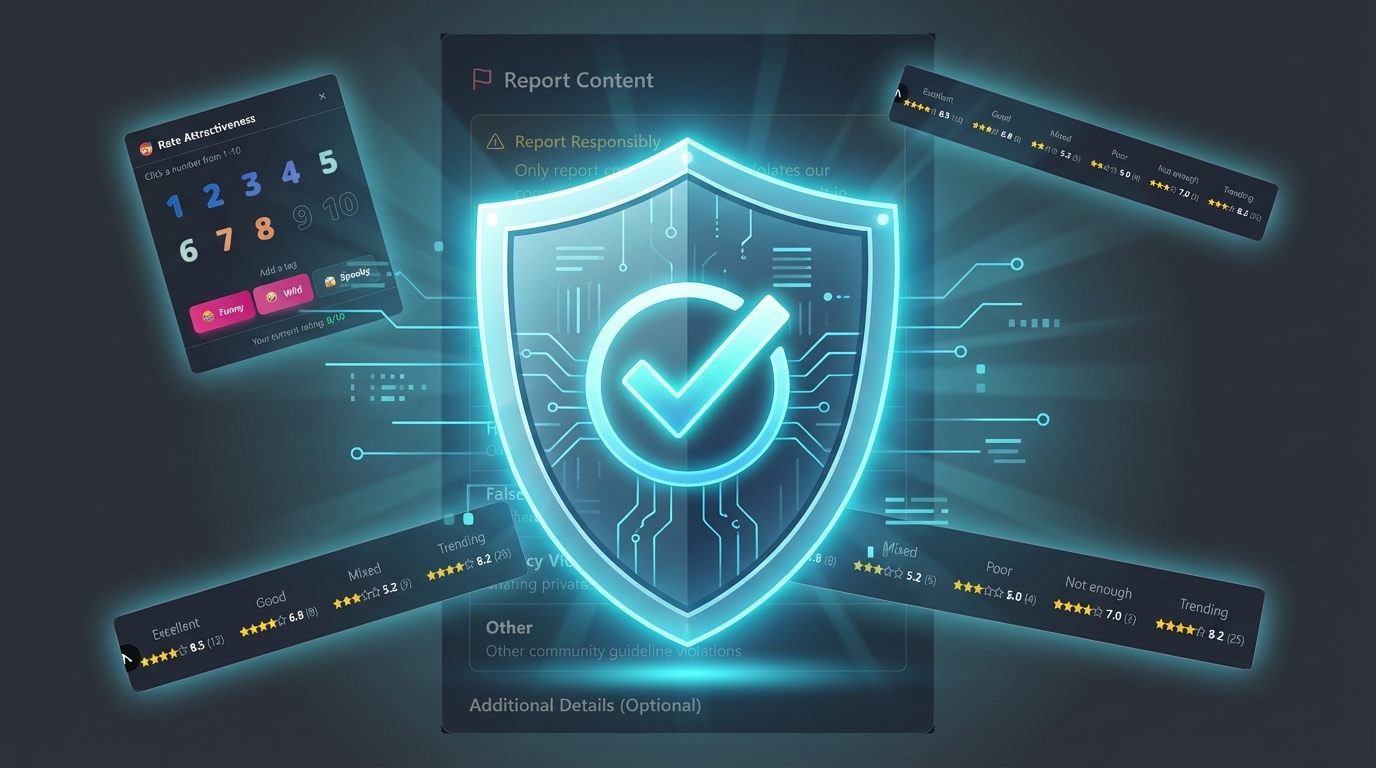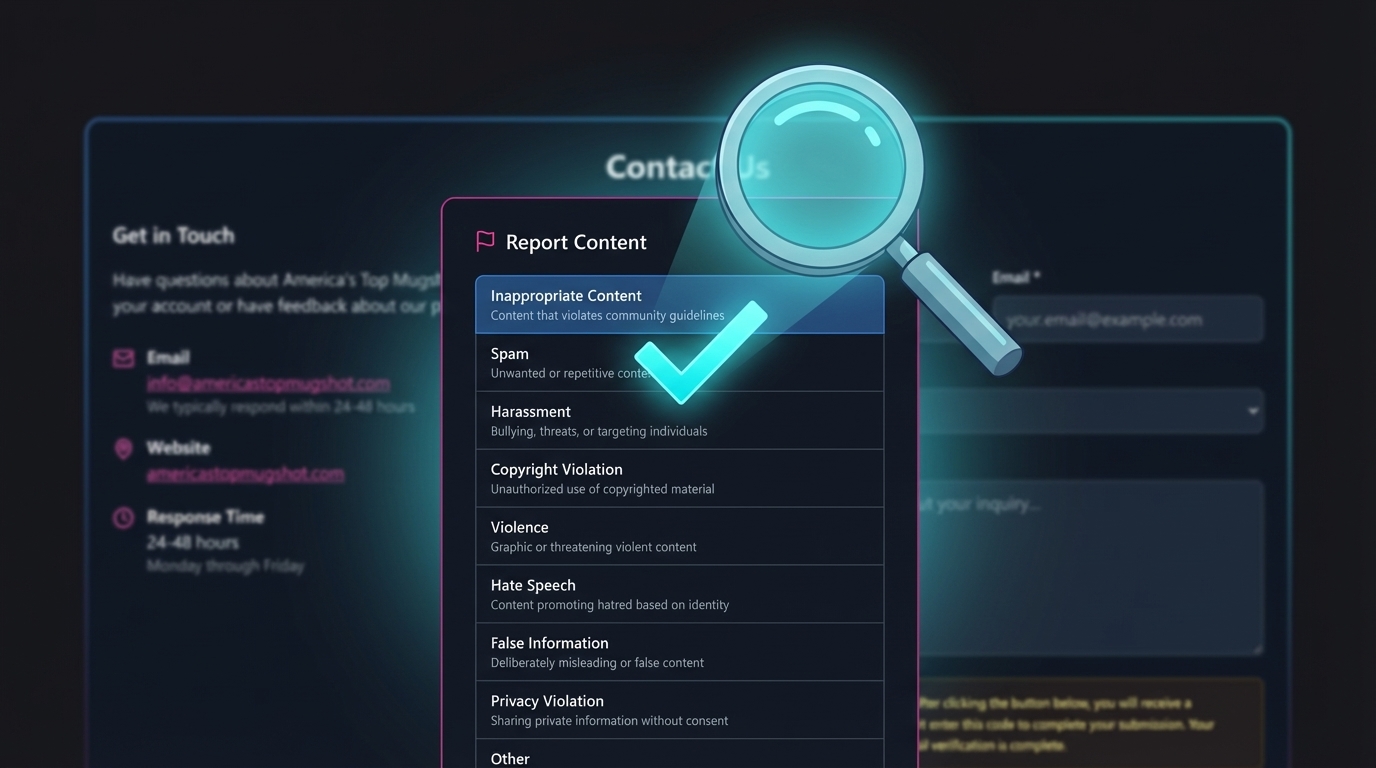
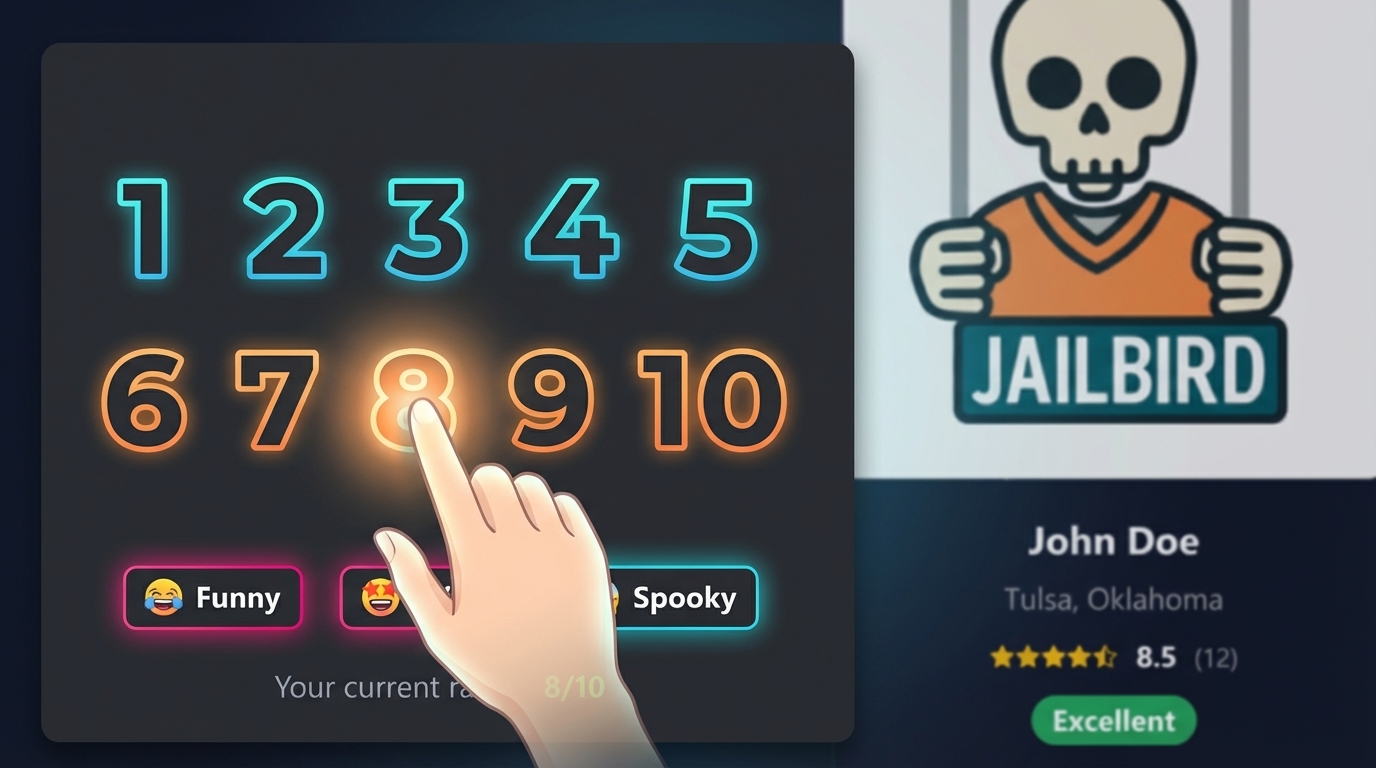
Every rating on America's Top Mugshot follows the same rules. No hidden algorithms, no secret weighting, no pay-to-influence mechanics. This article explains exactly how the mugshot rating system works — from the moment you click a number to how scores are calculated, what prevents manipulation, and why certain protections exist.
We publish this because we believe you should know how the system you're participating in actually operates.
The 1-to-10 Rating Scale
When you rate a mugshot on our platform, you choose a whole number between 1 and 10. There are no half-points, no decimals, and no stars — just ten clear options. We chose a 1-to-10 mugshot rating scale because it gives you enough range to express meaningful differences without overcomplicating the decision.
The rating interface presents all ten numbers in a two-row grid. Each number displays a color gradient that shifts from cool blue tones on the low end to warm orange tones on the high end. Tap a number and your rating is submitted instantly — you'll see a confirmation toast within a second.
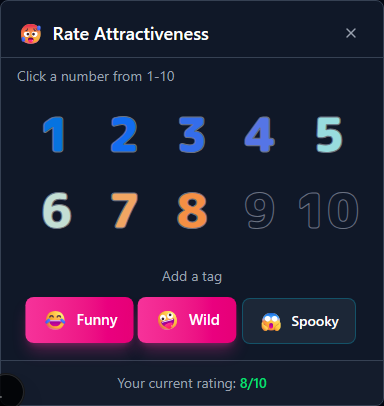
Alongside your rating, you can optionally add one or more tags: Funny (😂), Wild (🤪), or Spooky (😱). Tags are toggles — tap to add, tap again to remove. They appear in the same popover as the rating grid, so you can rate and tag in a single interaction.
How Mugshot Scores Are Calculated
The score calculation is straightforward: we add up every rating a mugshot has received and divide by the total number of votes. That's it. A simple average where every vote carries equal weight.
There are no hidden bonuses, no secret weighting, and no editorial overrides. If a mugshot has received ratings of 7, 8, 6, and 9, the displayed average is 7.50. The score updates in real time — the moment a new rating is submitted, the average recalculates.
Scores are displayed with up to two decimal places (for example, 7.25 or 8.33), so you always see a precise reflection of the community's votes.
Quality Badges and What They Mean
Once a mugshot accumulates enough ratings, a quality badge appears alongside the score. These badges provide an at-a-glance summary:
- 🔥 Excellent (8.0 and above) — Displayed with a green badge. The community rates this mugshot highly.
- ⭐ Good (6.0 to 7.9) — Displayed with a blue badge. Above-average community rating.
- 📊 Mixed (4.0 to 5.9) — Displayed with a gray badge. The community is split.
- 👎 Poor (below 4.0) — Displayed with a red badge. Below-average community rating.
Badges only appear after a mugshot has received at least 3 ratings. Before that threshold, the profile displays "Not enough ratings" instead of a score. This prevents a single vote from defining a mugshot's public perception.
When a mugshot reaches 20 or more ratings, a "🔥 Trending" indicator appears, signaling high community engagement.

The Display Floor: Why Ratings Below 5.0 Show as 5.0
This is one of our most important design decisions, and it deserves a clear explanation.
Any mugshot whose average rating falls below 5.0 is shown as 5.0 on the platform. The actual rating is still saved accurately — the floor only changes what visitors see on the site.
Why? Because our fair rating system is built for community feedback, not public humiliation. Without a display floor, coordinated low-rating campaigns could turn a mugshot profile into a tool for harassment. A person who has been arrested is already in a difficult situation. Our platform exists to provide public record access, not to pile on.
The display floor means that even if a small group decides to rate a mugshot as low as possible, the public-facing score never drops below a neutral midpoint. This protection aligns with our broader commitment to treating every individual on the platform with basic dignity. For more on this philosophy, read our article on why we don't shame or humiliate anyone.
How We Prevent Rating Manipulation
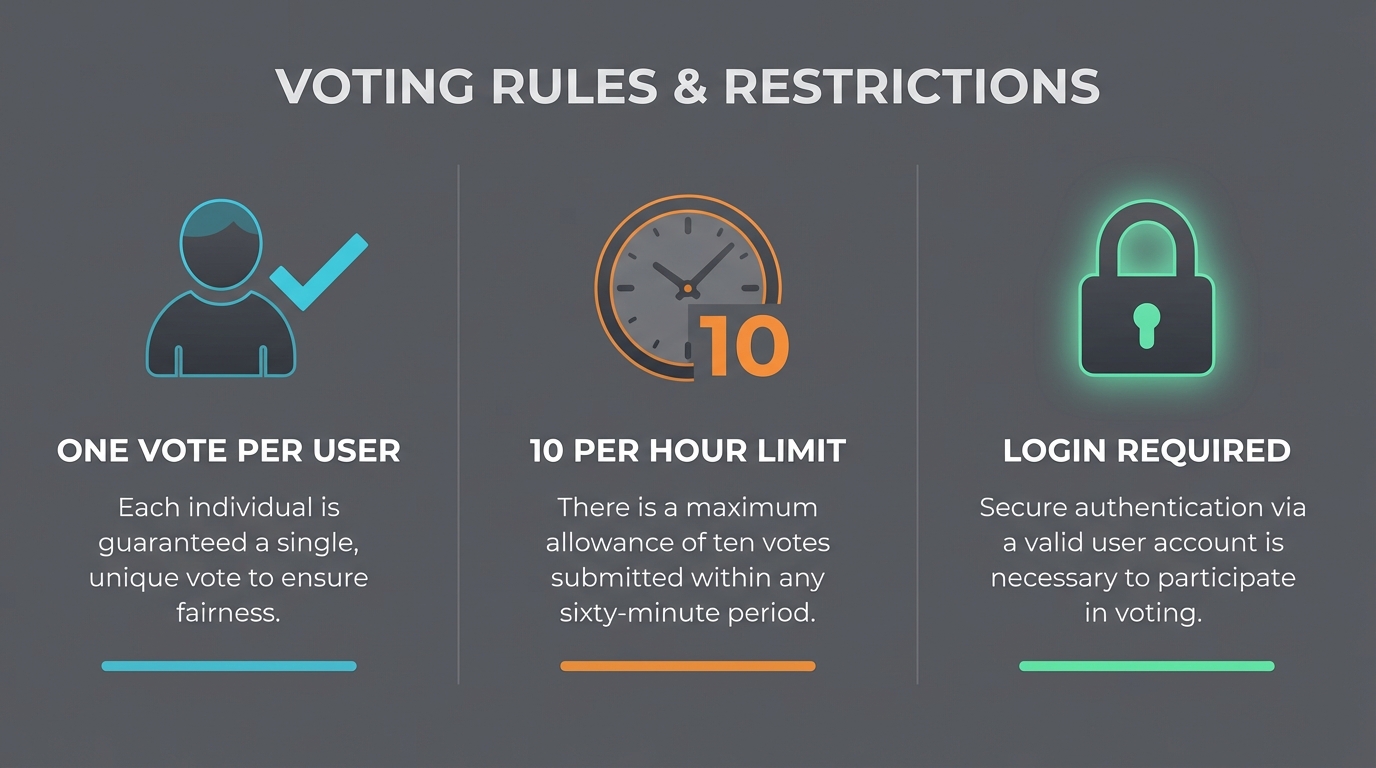
Three layers of protection work together to keep scores honest and prevent anyone from gaming the mugshot rating system.
One Vote Per User
Every user gets exactly one rating per mugshot. If you try to rate the same mugshot twice, your new rating simply replaces the old one — it's impossible to stack multiple votes from one account. The average then recalculates with your updated vote.
Rate Limiting
You can submit up to 10 ratings per hour. If you hit that limit, you'll see a message telling you when you can rate again. Under normal browsing, you'll never encounter this — most users rate a handful of mugshots per session.
This limit exists to stop bots and scripts from flooding the system with fake ratings in bulk.
Authentication Required
You must be logged in with a verified account to submit a rating. Anonymous visitors can browse mugshots and view scores, but they cannot vote. This requirement is the foundation of the one-vote-per-user system — without knowing who you are, we can't prevent duplicates.
If you try to rate without being logged in, you'll see a prompt to create a free account or sign in. To understand how we protect your account and data throughout this process, see our article on how we prevent defamation on our platform.
What Happens When You Submit a Rating
Here's the full sequence from the moment you tap a number:
- You tap a number — The score on your screen updates immediately. No loading spinner, no waiting.
- We verify your vote — Behind the scenes, we confirm you're logged in, check you haven't exceeded the hourly limit, and make sure the rating is valid.
- Your rating is saved — If you've rated this mugshot before, your old vote is replaced. If it's your first time, a new vote is recorded.
- You see a confirmation — A small notification pops up confirming your rating was saved. If you changed a previous rating, it shows both the old and new values.
- The average updates — The mugshot's score recalculates to include your vote.
If anything goes wrong during verification or saving, the score on your screen automatically reverts to what it was before — nothing breaks, and no bad data is saved.
Your Rating Is Anonymous
No one can see what rating you gave a specific mugshot. Your vote is linked to your account so we can enforce one-vote-per-user, but it is never shown to anyone else. Other users only see the overall average and total vote count — never individual votes.
Tags: Adding Context Beyond a Number
A number between 1 and 10 captures a general impression, but sometimes you want to say more. That's what tags are for.
Three tags are available on every mugshot:
- 😂 Funny — Something about the mugshot is amusing or lighthearted.
- 🤪 Wild — The mugshot or circumstances are unusual or unexpected.
- 😱 Spooky — The mugshot has an unsettling or intense quality.
Tags are completely optional and independent of your numeric rating. You can add all three, just one, or none. Each tag is a simple toggle — tap to apply, tap again to remove. Tag selections appear in the same rating popover, so there's no extra step or separate screen.
Frequently Asked Questions About Our Rating System
How are mugshot ratings calculated?
Every rating carries equal weight. We calculate the average of all ratings submitted by authenticated users for each mugshot. The formula is straightforward: add up every rating and divide by the total number of votes. No weighting, no boosting, no hidden modifiers.
Can I change my rating?
Yes. You can update your rating on any mugshot at any time. Your previous rating is replaced with the new one and the average is recalculated instantly. There is no penalty for changing your mind.
Why does a profile show "Not enough ratings"?
A mugshot needs at least 3 ratings before a quality badge and average score are displayed. This prevents a single vote from defining how a profile appears to everyone else.
Do I need an account to rate?
Yes. Rating requires a free account. This is the foundation of our one-vote-per-user system — without authentication, we cannot prevent duplicate votes or enforce rate limits.
Is my rating anonymous?
Yes. No one can see which rating you submitted. Your vote is tied to your account internally for duplicate prevention, but it is never displayed publicly.
What are tags and how do they work?
Tags are optional labels you can add alongside your rating. The three available tags are Funny (😂), Wild (🤪), and Spooky (😱). You can toggle any combination on or off at any time from the same rating popover.
Is there a limit to how many mugshots I can rate?
You can rate up to 10 mugshots per hour. This rate limit exists to prevent automated or bulk manipulation. Normal browsing and rating will never hit this limit.
What is the display floor and why does it exist?
Ratings below 5.0 are displayed as 5.0 on the platform. The actual rating is stored accurately in our database — the floor only affects what visitors see. This prevents the rating system from being used to publicly humiliate or defame anyone.
For a deeper look at the engineering decisions behind this system, read Behind the Scenes: Building the Mugshot Ratings System.