If you've found incorrect information on a mugshot listing — a wrong name spelling, an inaccurate date, a mismatched location, or outdated charge details — we want to know about it. Requesting a correction on America's Top Mugshot is straightforward, and we genuinely encourage it. Accurate records are better for everyone: for the people listed, for our community, and for the integrity of the platform.
This guide walks you through exactly how to submit a correction request and what to expect after you do.
Why Inaccuracies Can Happen
Before we walk through the correction process, it helps to understand why errors occasionally appear in the first place.
Every mugshot and arrest record on our platform comes from publicly available sources — county sheriff's offices, state corrections departments, and court records. Our collaborators visit these official portals and collect the information by hand. That manual process is how we ensure we're working from legitimate government sources rather than unreliable third-party databases.
But manual collection means human involvement at every step, and humans make mistakes. A name can be misspelled during data entry. A booking date can be transposed. A charge description can be copied incompletely. These are honest errors, and they're the exception rather than the rule — but they do happen.
There's another layer to it: sometimes the source record itself is inaccurate. Public portals are maintained by government agencies with their own data entry processes, and not every update is reflected immediately. A charge may have been amended, a case may have been resolved, or a record may have been corrected at the source after we collected it. We don't always catch every upstream change in real time.
This is exactly why we built a correction process and why we actively encourage our community to use it. You are often the first person to notice when something is wrong — and your report helps us fix it. To learn more about where our data comes from and how we verify it, read our article on how we source and verify mugshot data.
How to Report an Error on a Mugshot Listing
There are two ways to submit a correction. Use whichever is more convenient — both reach our review team.
Option 1: The Report Button (Fastest)
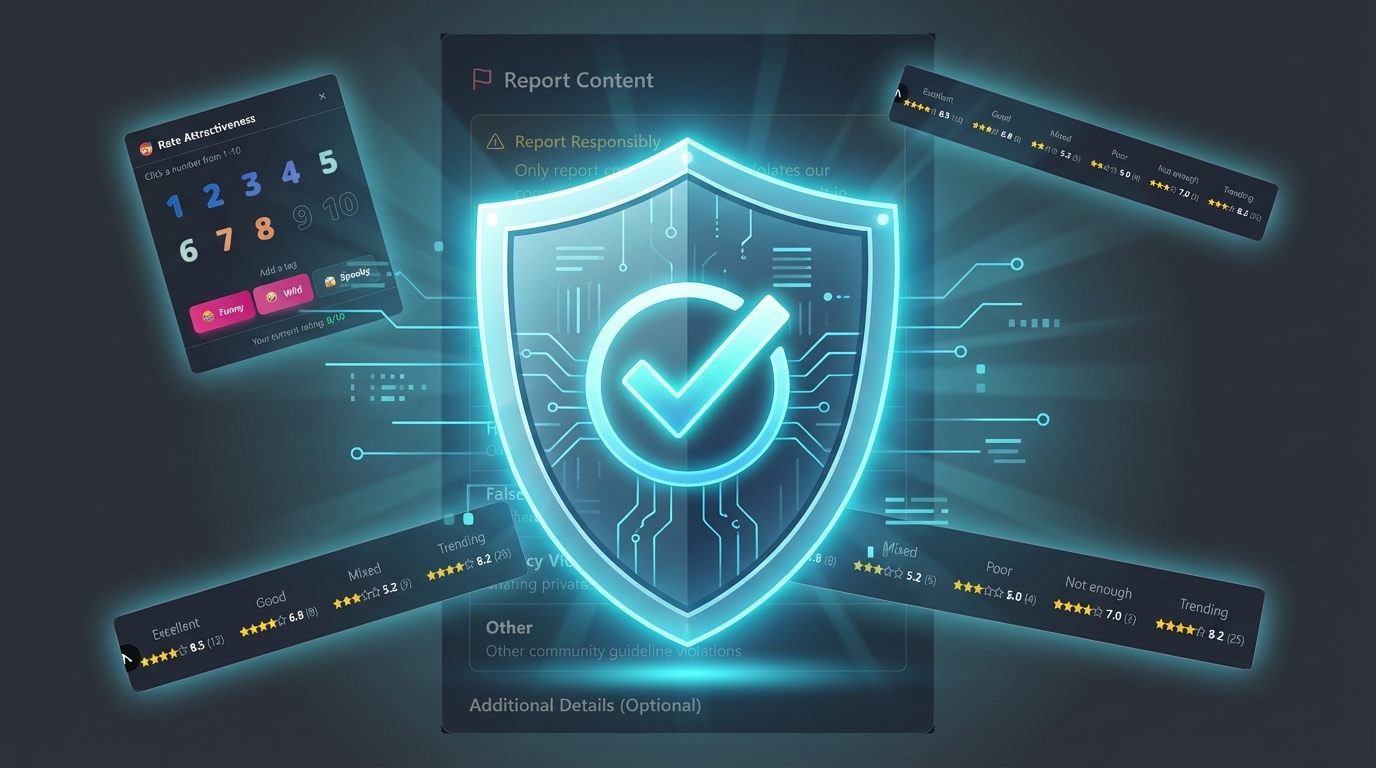
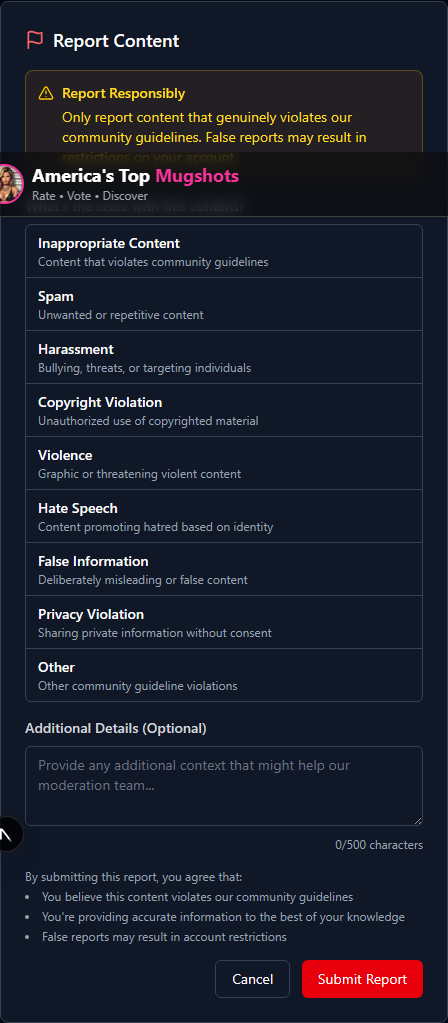
Every mugshot listing on our platform has a Report button marked with a flag icon. This is the quickest way to flag an issue because it automatically links your report to the specific mugshot in question.
- Open the mugshot listing that contains incorrect information.
- Click the flag icon labeled "Report" on the page.
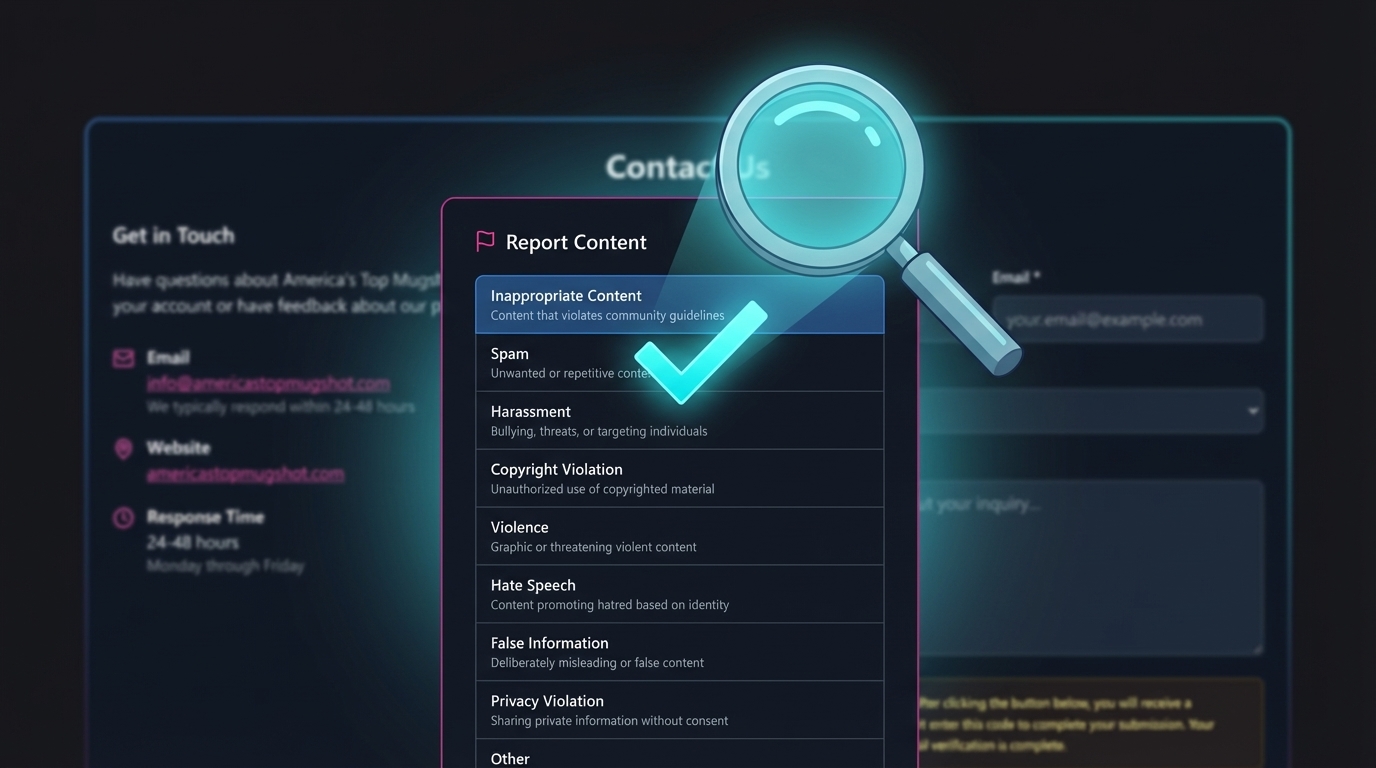
- A dialog will open asking you to select a reason. Choose "False Information" from the dropdown — this is the correct option for data inaccuracies.
- In the "Additional Details" field, describe specifically what is wrong and what the correct information should be. The more detail you provide, the faster we can verify and fix it.
- Click Submit Report.
Your report is logged immediately and routed to our review team.
Option 2: The Contact Form
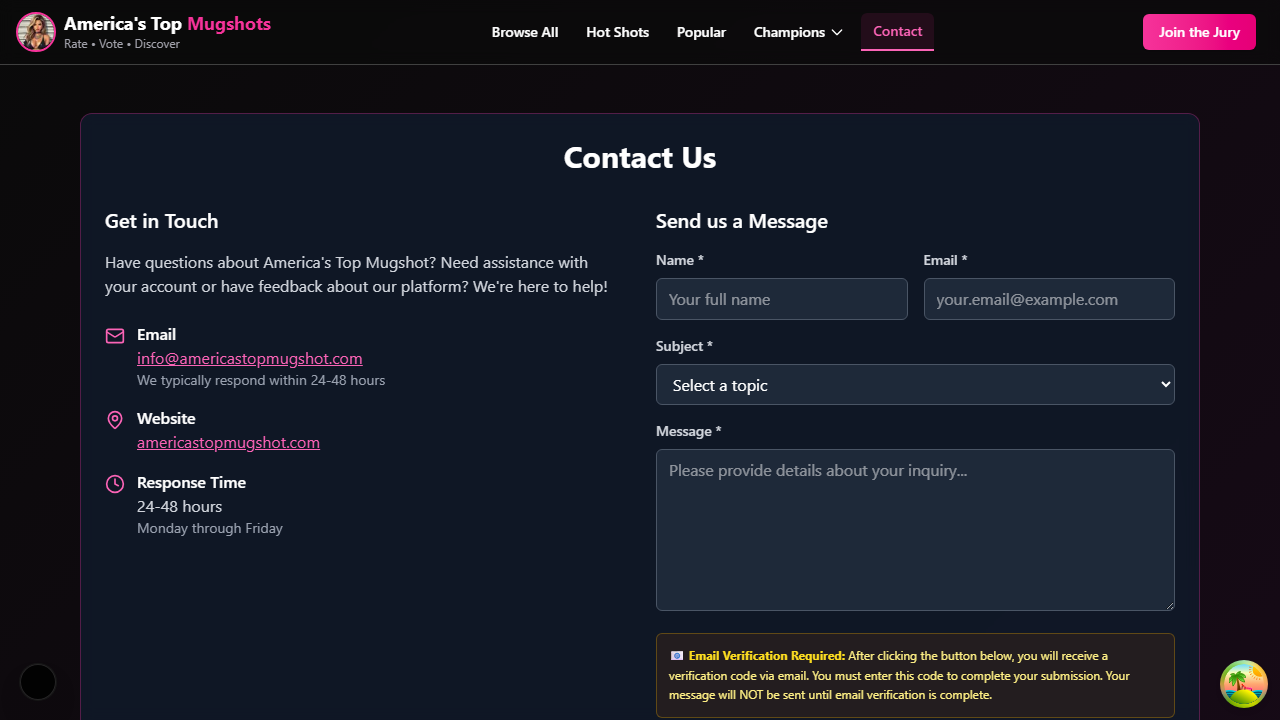
If you prefer a more detailed message or want to include supporting documentation references, use our Contact page.
- Go to americastopmugshot.com/contact.
- Fill in your name and email address.
- Under Subject, select "Record Removal Request" (this covers both removal and correction requests) or "General Inquiry".
- In the message, include:
- The name on the mugshot listing
- What information is incorrect
- What the correct information should be
- Any references to official documents that support the correction (case numbers, court records, etc.)
- Click Send Verification Code. You'll receive a 6-digit code at the email address you entered.
- Enter the code and click Submit Message.
The email verification step exists to prevent spam — it confirms that you have access to the email address you provided so our team can follow up with you directly.
What Happens After You Submit
Here's what to expect once your correction request reaches us:
- We receive your report — Both the Report button and the Contact form deliver your message to our review team.
- We verify the correction — Our team checks the information you provided against the original public source records. If the source record has been updated, we update our listing to match. If the source record still shows the old information, we may reach out to you for additional details.
- We make the update — Once verified, the listing is corrected on our platform. Changes are typically visible within a few hours of approval.
- We follow up — If you submitted via the Contact form, we'll send you an email confirming the correction was made. Response time is 24 to 48 hours, Monday through Friday.
What Types of Corrections Can You Request?
You can request a correction for any factual inaccuracy on a mugshot listing, including:
- Name errors — Misspelled first or last name, wrong middle initial, name not matching the official record.
- Date errors — Incorrect booking date, arrest date, or date of birth.
- Location errors — Wrong county, city, or state listed for the arrest.
- Charge errors — Outdated charges, dropped charges still displayed, or incorrect charge descriptions.
- Case outcome updates — Charges dismissed, case resolved, record expunged, or sentencing information that has changed.
- Photo mismatches — A mugshot photo assigned to the wrong person or record.
If your situation involves a full record removal rather than a correction — for example, if charges were dropped entirely or your record has been legally expunged — see our guide on how to remove or update a mugshot online.
Tips for a Faster Correction
The more specific and complete your request, the faster we can act on it. Here are a few things that help:
- Be specific. Instead of "the information is wrong," tell us exactly which field is incorrect and what the right value should be. "The booking date shows January 15, 2025, but the correct date is January 16, 2025" is far more actionable than "the date is wrong."
- Reference official records. If you can cite a case number, court docket, or specific public records portal where the correct information is available, our team can verify it quickly.
- Include your contact information. Submitting through the Contact form with a valid email allows us to follow up if we need clarification. Anonymous reports through the Report button are still reviewed, but we can't ask follow-up questions.
- One issue per request. If you've found errors on multiple listings, submit a separate report for each one. This helps our team track and resolve each correction independently.
Our Commitment to Accuracy
We take every correction request seriously. Getting the details right matters — not just as a matter of data quality, but because real people are affected by the information displayed on our platform. An incorrect charge, a misspelled name, or a wrong date isn't just an error in a database. It's misinformation attached to someone's identity.
That's why we built correction requests into the platform from the start, and it's why we encourage our community to use them. You're not bothering us by reporting an error — you're helping us do our job better. To learn more about how we protect the integrity of our content and prevent misuse, read our article on how we prevent defamation on our platform.
If you've spotted something that doesn't look right, don't hesitate. Use the Report button, fill out the Contact form, or email us directly at info@americastopmugshot.com. We'll take it from there.